
How to test website journeys and find failures
Follow the complete setup and run process for this module. You will start with a start URL, ordered browser steps and expected outcomes, work through each control in order and finish with a repeatable browser test with step-level evidence.
Step 1: Targets
Add only sites you own or have permission to test; confirm the target list.
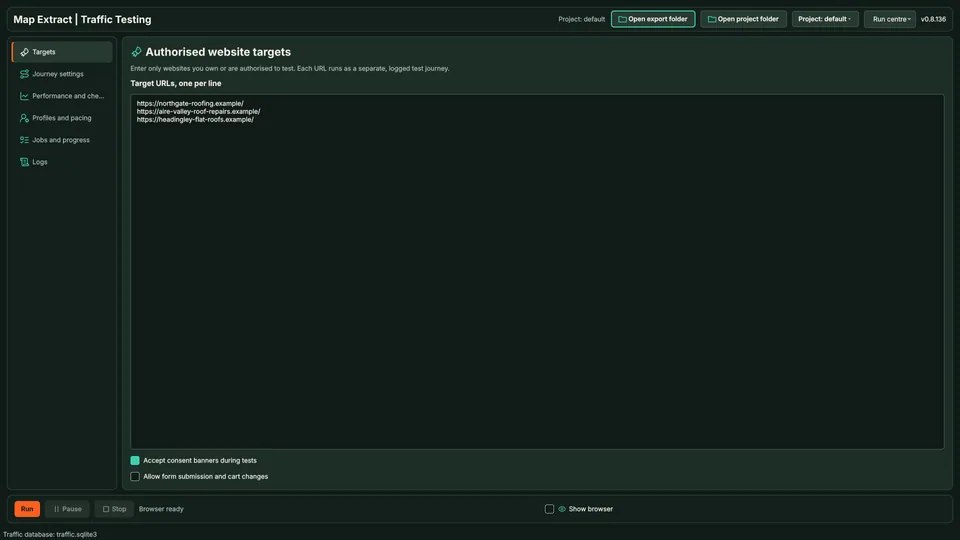
Targets fixes the authorised scope. Step 2: Journey settings
Define the bounded navigation steps and time limits.
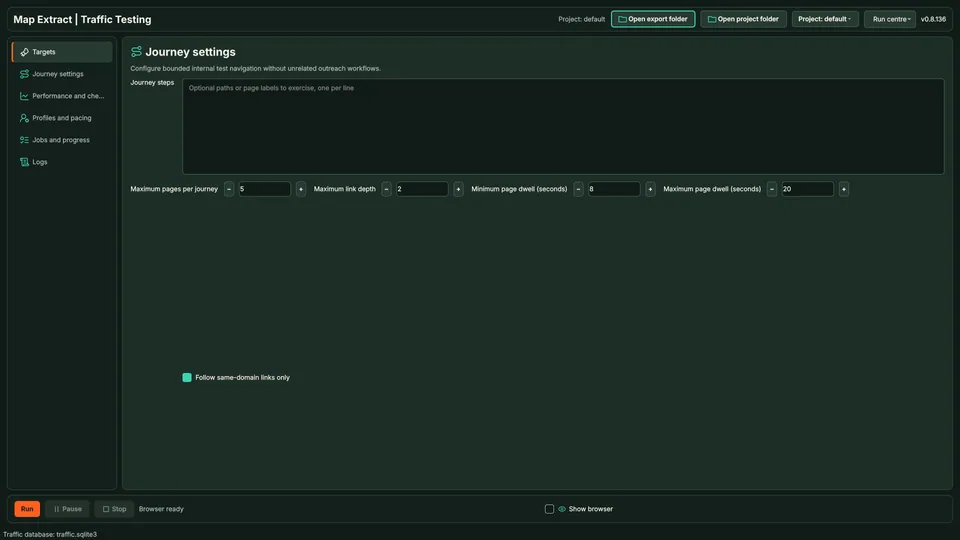
Journey settings defines bounded navigation. Step 3: Performance checks
Choose the checks relevant to the test objective.
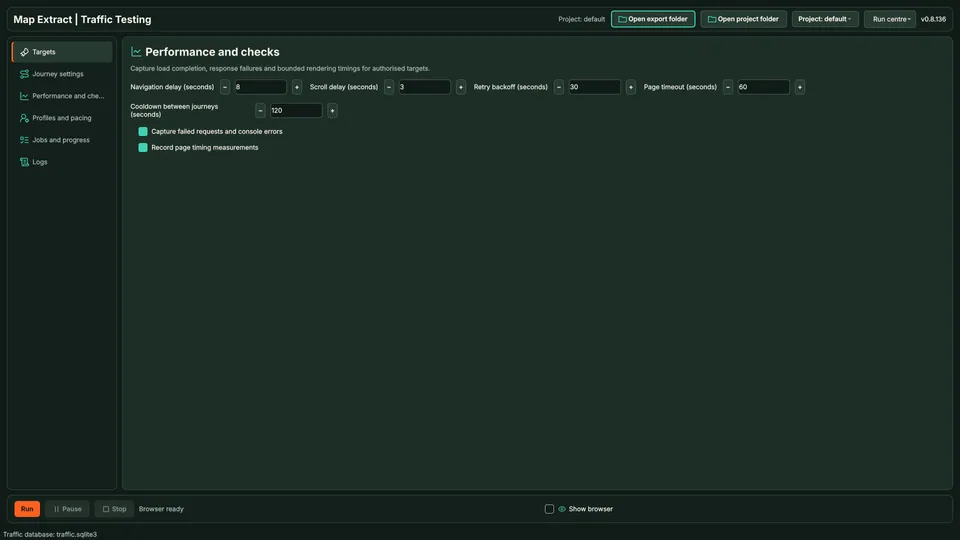
Checks select the observations to collect. Step 4: Profiles & pacing
Select the test profile and conservative pacing; save.
Step 5: Jobs & progress
Run a small authorised test and inspect its recorded outcomes.
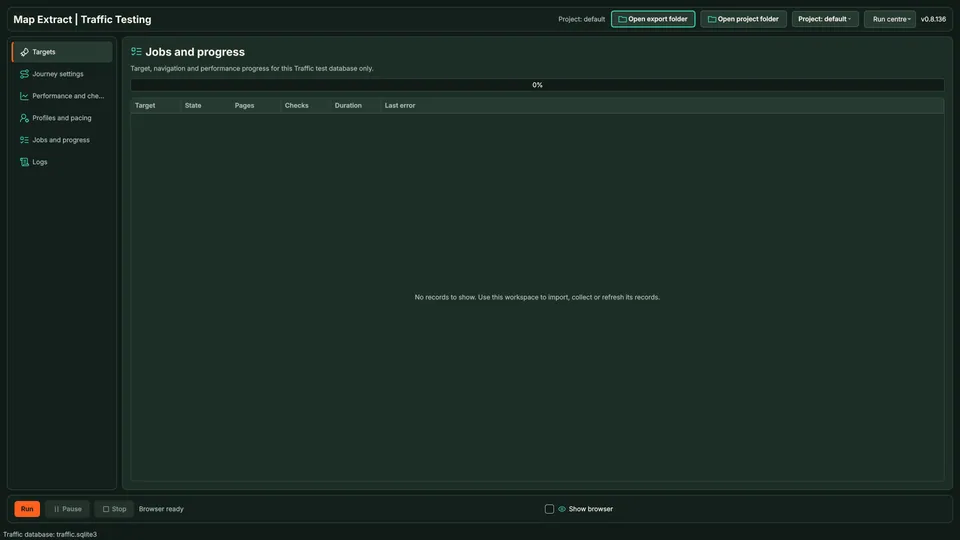
Progress records the run outcome.
Check the result
Results that help locate broken journeys and investigate website failures.
- Runs only on sites in your allow-list marked as authorised; others are refused.
- Journeys follow same-site links in random order, with optional paths or page labels you want included. Form submission and cart changes are off by default.
- This is testing, not traffic. It does not create visitors, rankings or sales.
Read the responsible use guidance before you run this module on real data.
Troubleshooting
- The expected input or account is missing
- Recheck the prerequisites: Site-owner permission; Project; Required browser profile.
- The output is incomplete or unavailable
- This is authorised journey testing, not a promise of real customers, rankings or revenue.
- The job was interrupted
- Pause or stop the supported local job controls, then inspect its recorded state. Resolve a blocked account or source before restarting. Check the destination before repeating any action whose outcome is uncertain.
Questions
What setup does Authorised Website Journey Testing require?
Website URLs, navigation steps and test limits. Site-owner permission. Project. Required browser profile.
What does website traffic testing software produce?
Results that help locate broken journeys and investigate website failures.
What should I check before using Authorised Website Journey Testing?
This is authorised journey testing, not a promise of real customers, rankings or revenue.
Next steps
Follow along in the free demo
Install Map Extract on Windows and work through these steps with a small test project.